Replace Your Own Tip Without Cutting It Crooked: VANWUISLE Tip Repair Tool Guide
Seven steps with the VANWUISLE tip repair tool: lock the shaft, fit the blade, face the ferrule, trim the side and shape the dome. A gold limit ring controls the depth, plus three optional add-ons.
Tips wear and mushroom over time, and a new tip has to be trimmed and domed. The shop may be busy; doing it yourself with a utility knife often leaves the tip crooked or cut too far.
The VANWUISLE tip repair tool lets you do a clean job at home: the shaft is locked in the center, one turn of the blade trims the side, then you angle the cutter head to shape the dome. Here is the full video and the seven steps.
First, the two rings
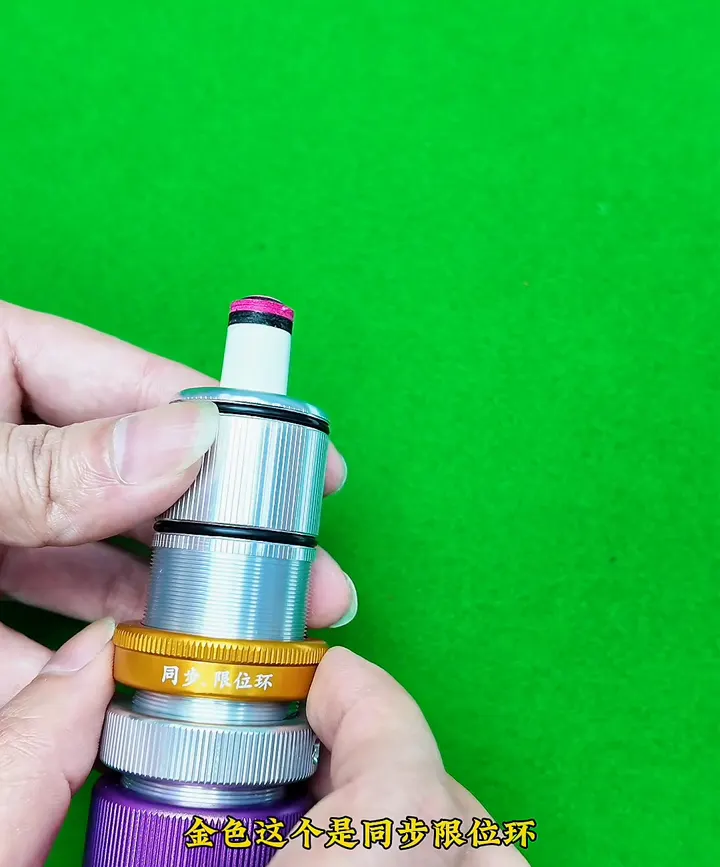
- Silver = rotating ring: turn it and the blade circles the tip. It does the cutting.
- Gold = synchronized limit ring: sets how deep the blade can cut. It does the controlling.
Seven steps
Step 1: Insert the shaft and tighten the collar
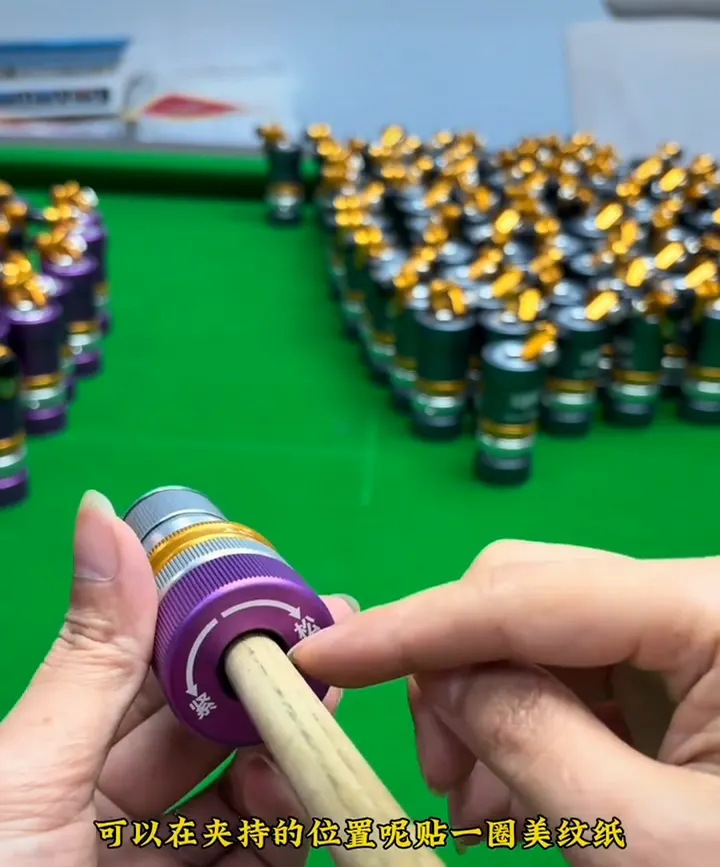
Slide the shaft in from the bottom and turn the collar counter-clockwise to lock it in the center.
Tip: wrap masking tape where it is clamped to protect the shaft.
Step 2: Fit the blade
Use a standard 9mm (60°) utility blade. Tighten lightly, straighten it, then tighten fully; snap off the excess blade so you do not cut yourself.
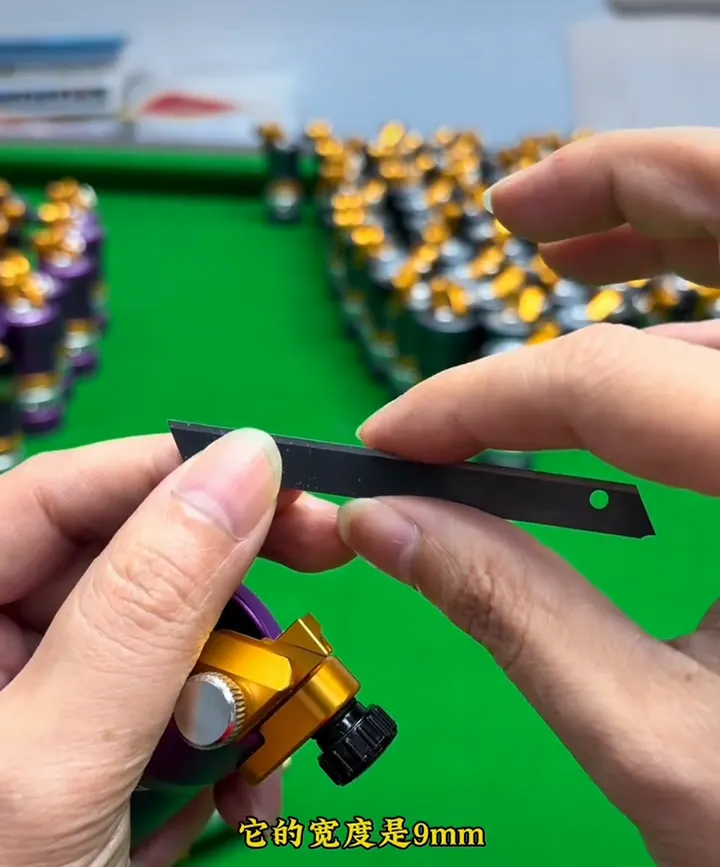
Step 3: Face the ferrule
Scrape the ferrule flat first so the tip seats flat and trims true.
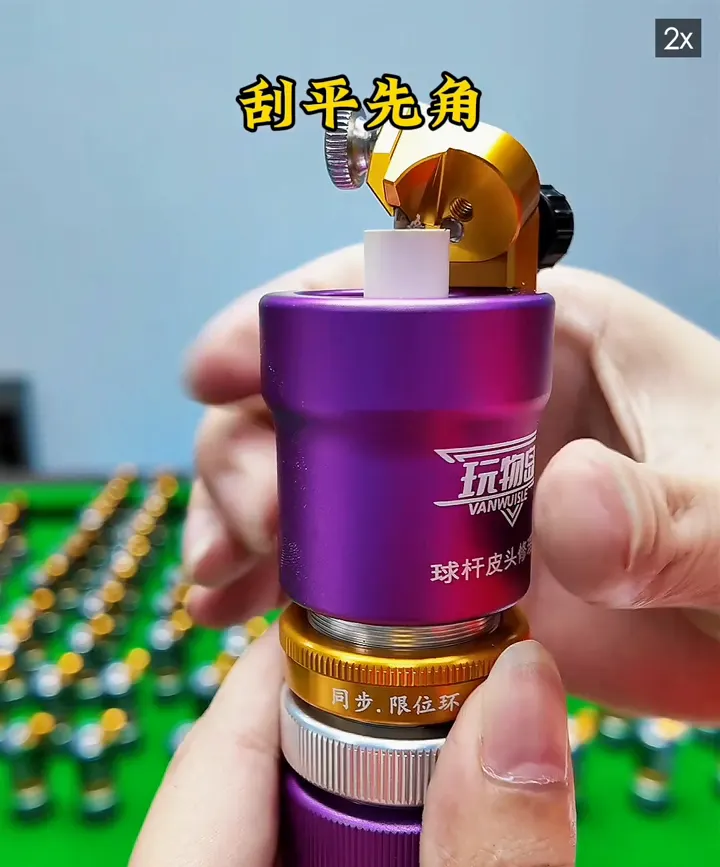
Step 4: Set the cutter position and depth
Adjust the cutter to the tip size and set the cutting depth; it works with different tip sizes.
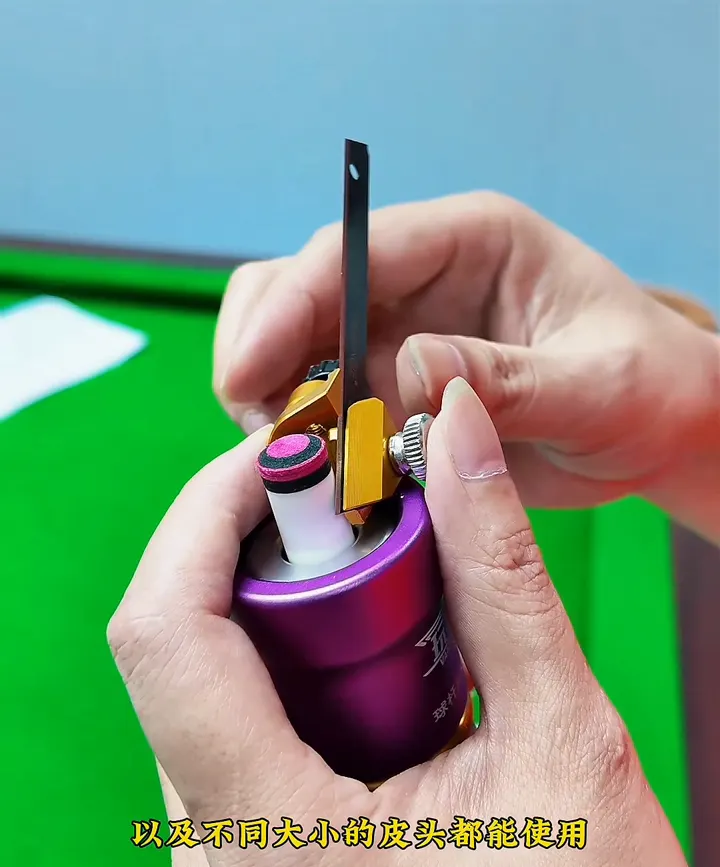
Step 5: Turn the ring to trim the side
Turn the silver ring and the blade shaves the tip all the way round in an even strip; the side hardly needs sanding afterwards.
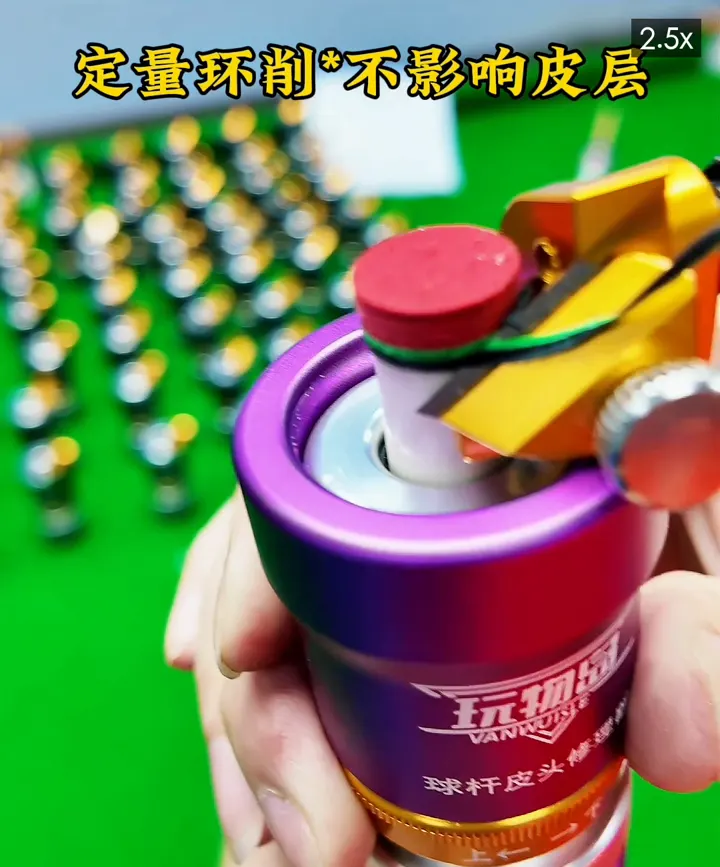
Worried about cutting too deep? Use the gold limit ring: the blade only cuts as far as the ring allows.
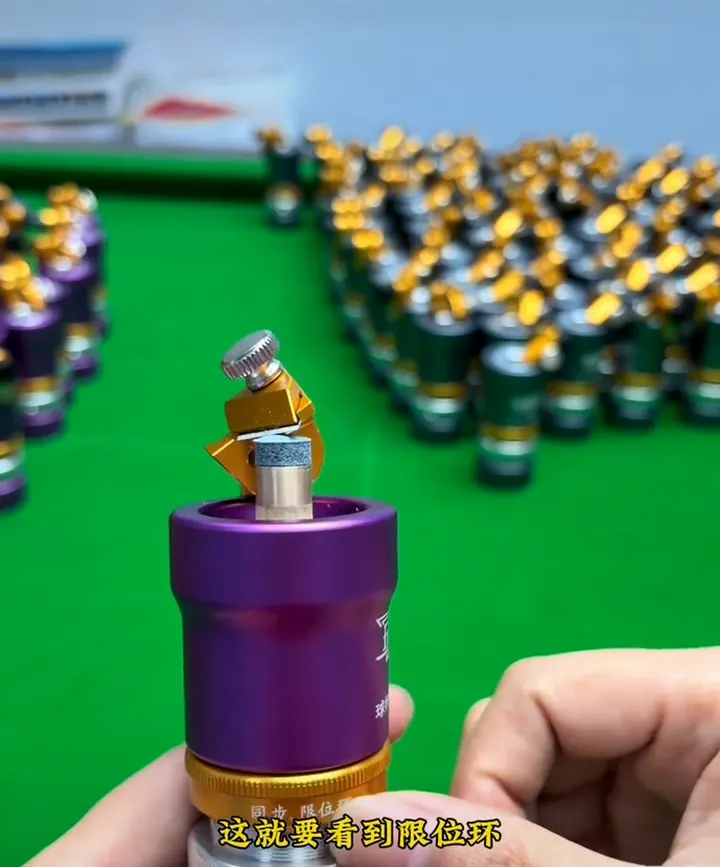
Step 6: Angle the cutter to shape the dome
Set the cutter head to the angle you want and turn the ring to shape the dome. Depth and angle can be fine-tuned any time.
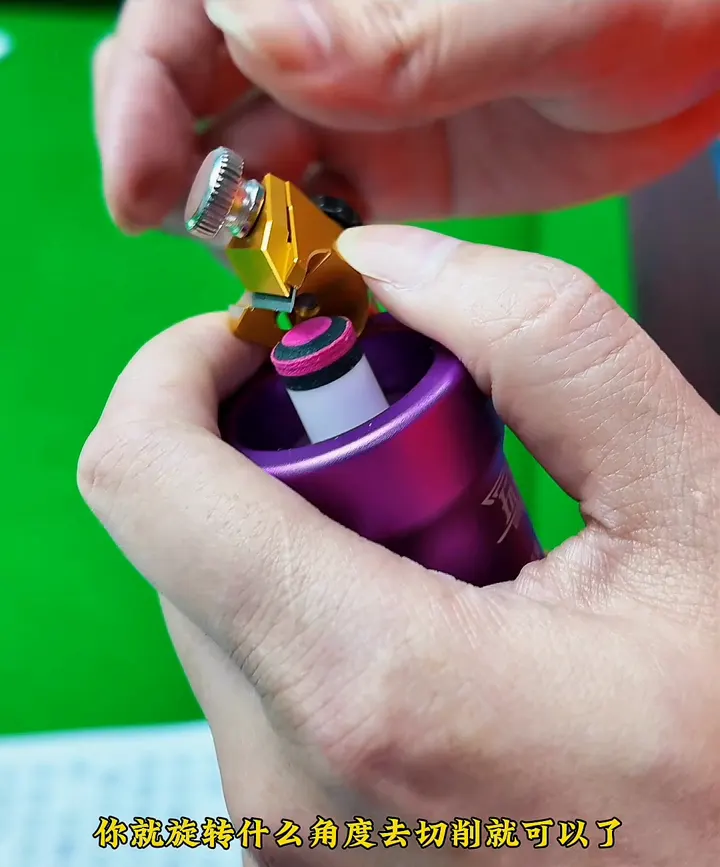
Step 7: Sand lightly and remove the shaft
Give it a light sanding, loosen the collar clockwise and remove the shaft.
Three optional add-ons
Adjuster
Unlike the stock screw, it adds a shim stop so the cutter head does not wobble and the angle holds.
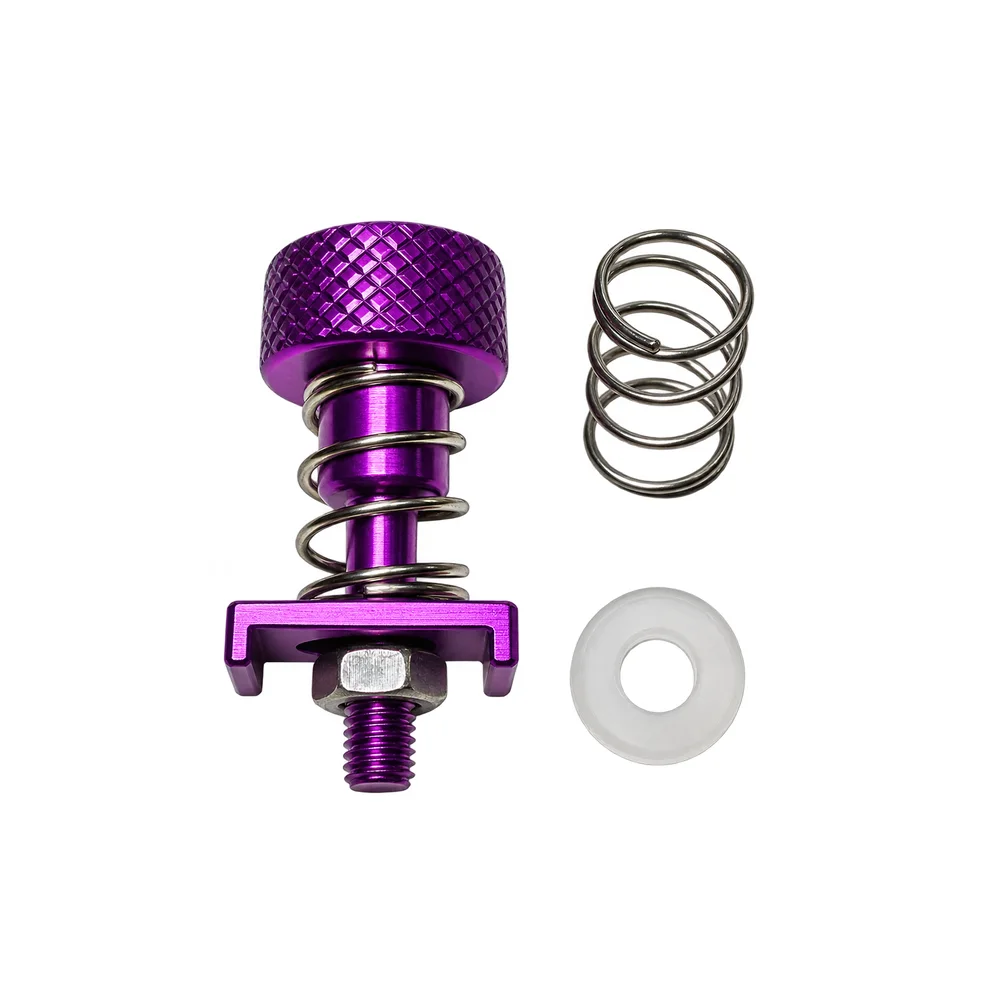
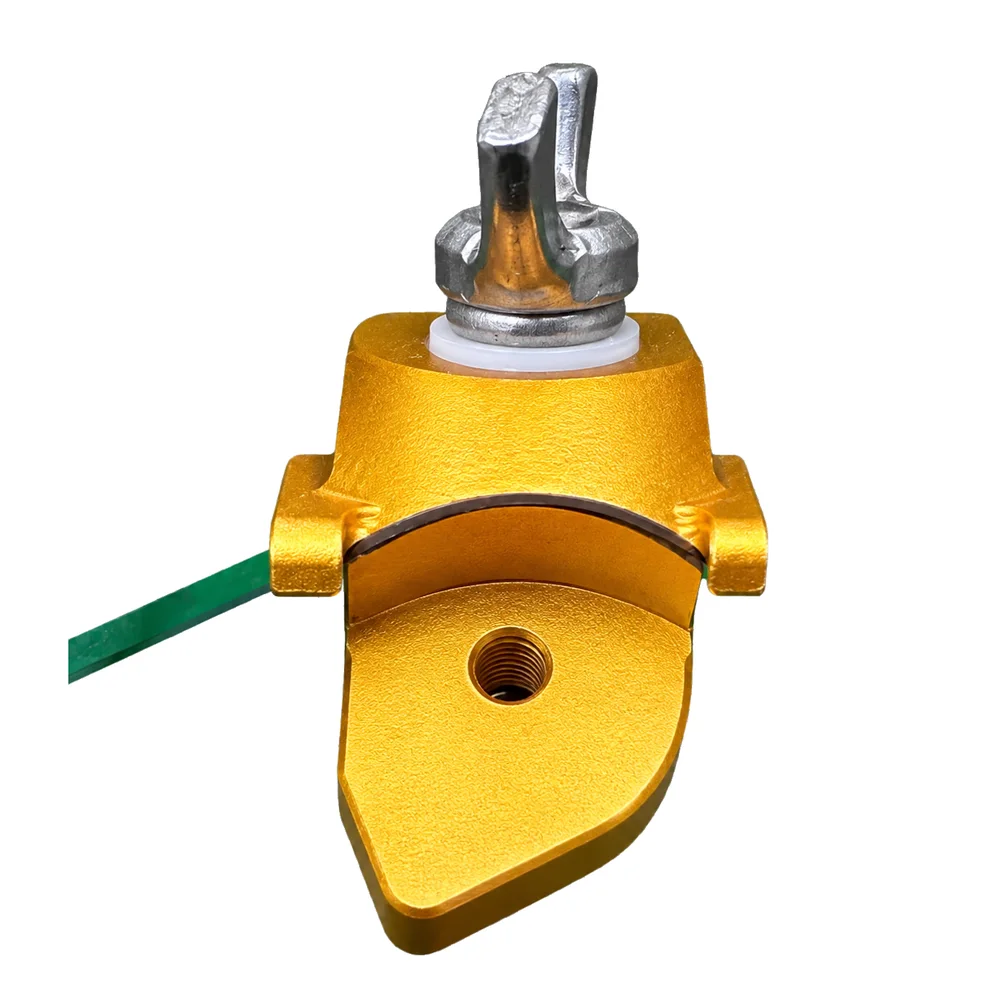
Dome cutter
- The screw is offset; line it up with the groove and tighten.
- Let the blade just touch the tip, then set the limit ring.
- Hold the limit ring with your left hand and turn only the upper cutter sleeve.
- Finish with a light sanding.
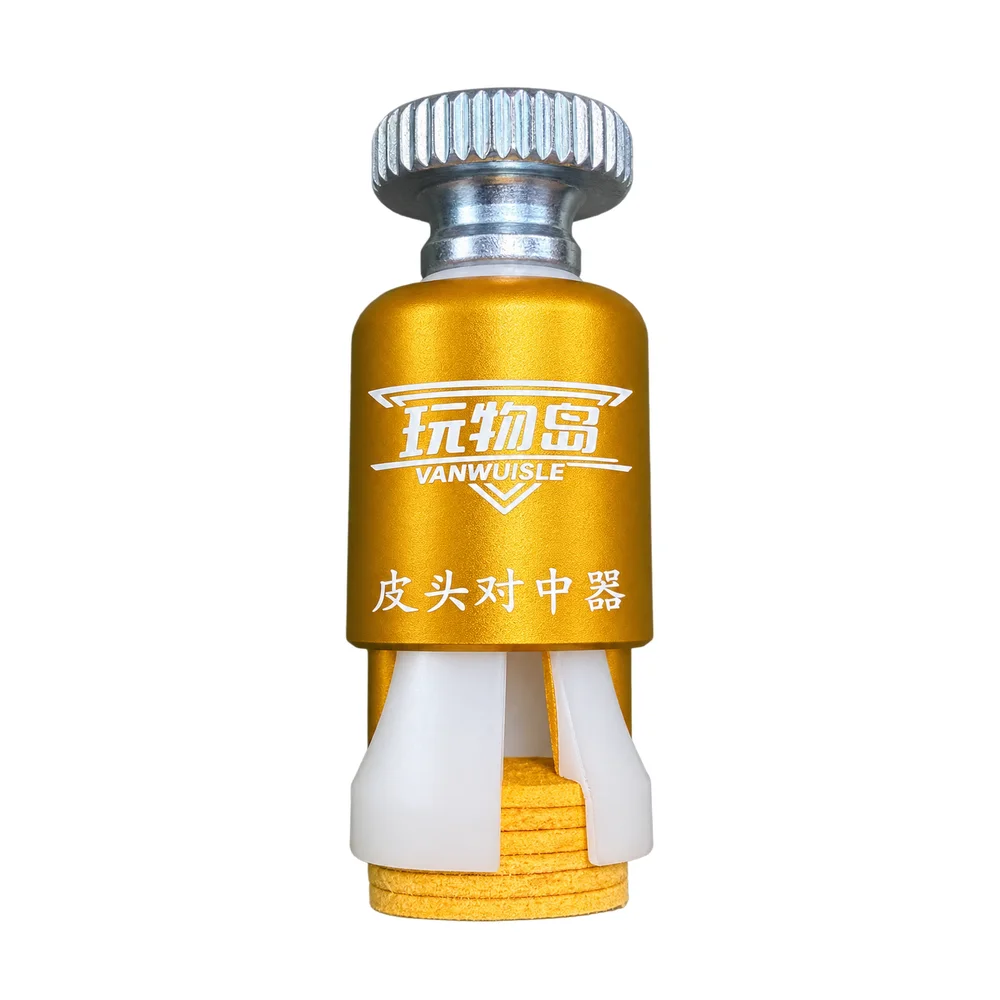
Tip centering tool
Centers a new tip automatically while gluing; remove it and fit it again and the tip is still centered.
See the VANWUISLE tip repair tool and add-ons, or message us on LINE or Zalo.
Questions about your cue? Message us on LINE, Zalo or email.
LINE · Zalo · Email